Unser Stand auf der Hobby & Elektronik ist Jahr für Jahr gut besucht. Überzeugen Sie sich selbst- hier finden Sie viele Fotos der Veranstaltung.
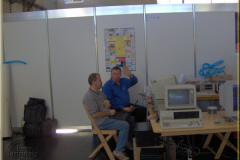
27 Fotos
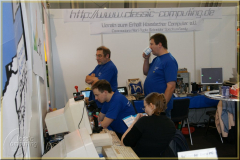
58 Fotos
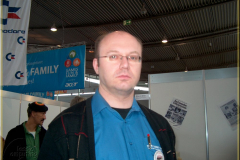
22 Fotos

Unser Stand auf der Hobby & Elektronik ist Jahr für Jahr gut besucht. Überzeugen Sie sich selbst- hier finden Sie viele Fotos der Veranstaltung.
27 Fotos
58 Fotos
22 Fotos
(im Sinne von „warum passt der da rein – und warum ist er erschwinglich“?)
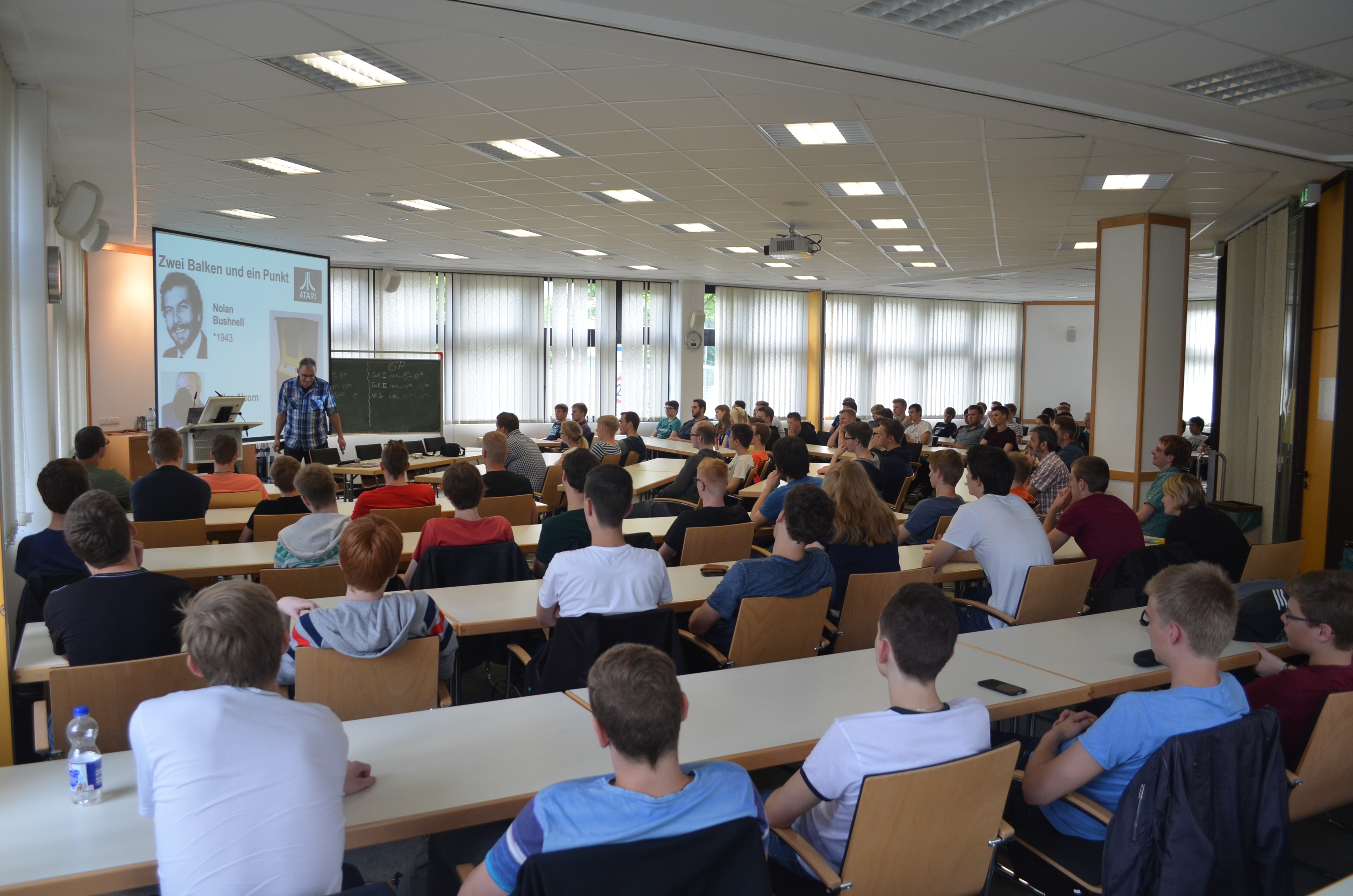
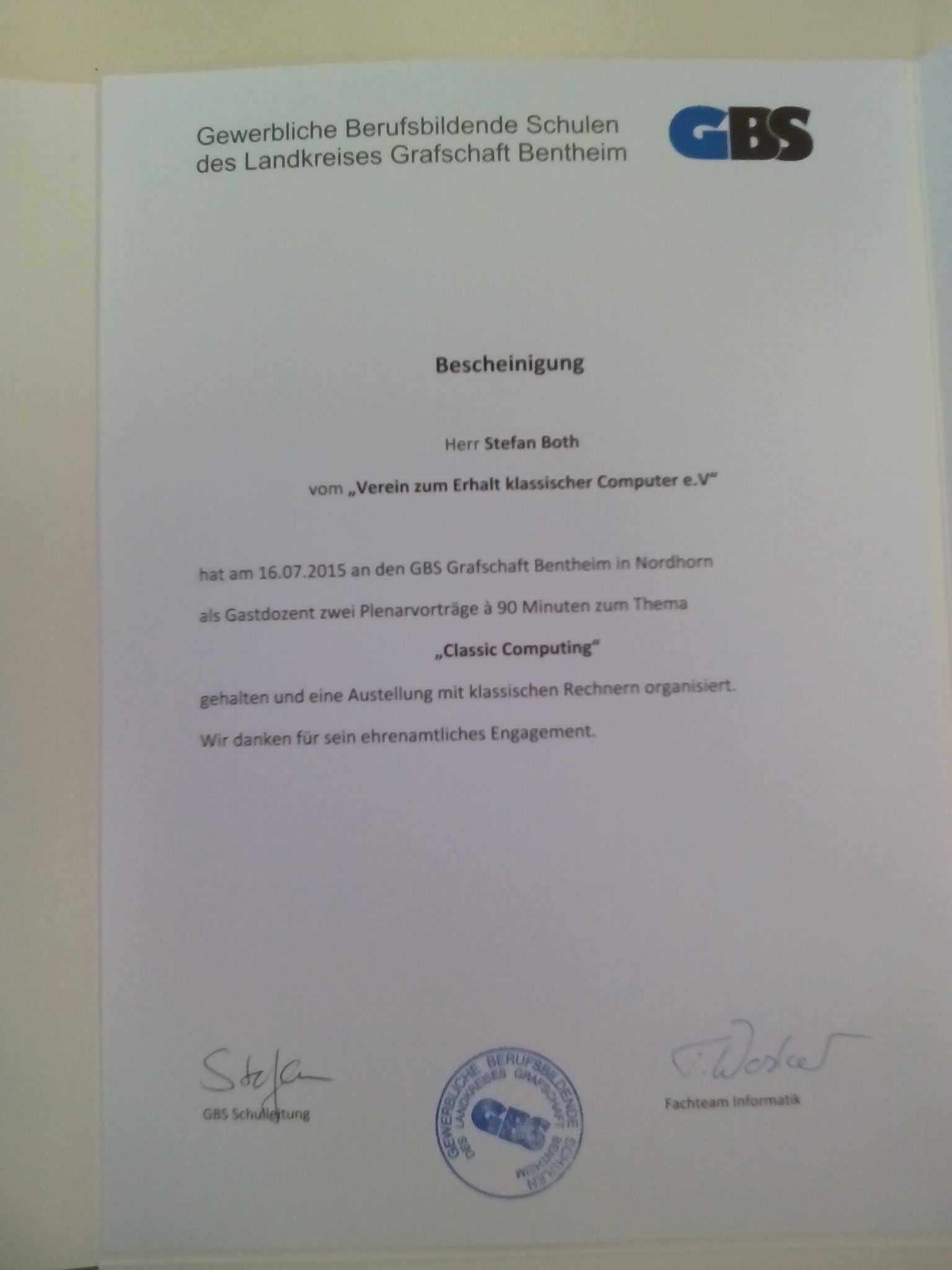
Die Vorträge zur Computergeschichte waren auch im Jahr 2015 wieder ein voller Erfolg. Es fanden zwei inhaltlich identische Vorträge statt:
Die Webseite des Gymnasiums Nordhorn berichtet:
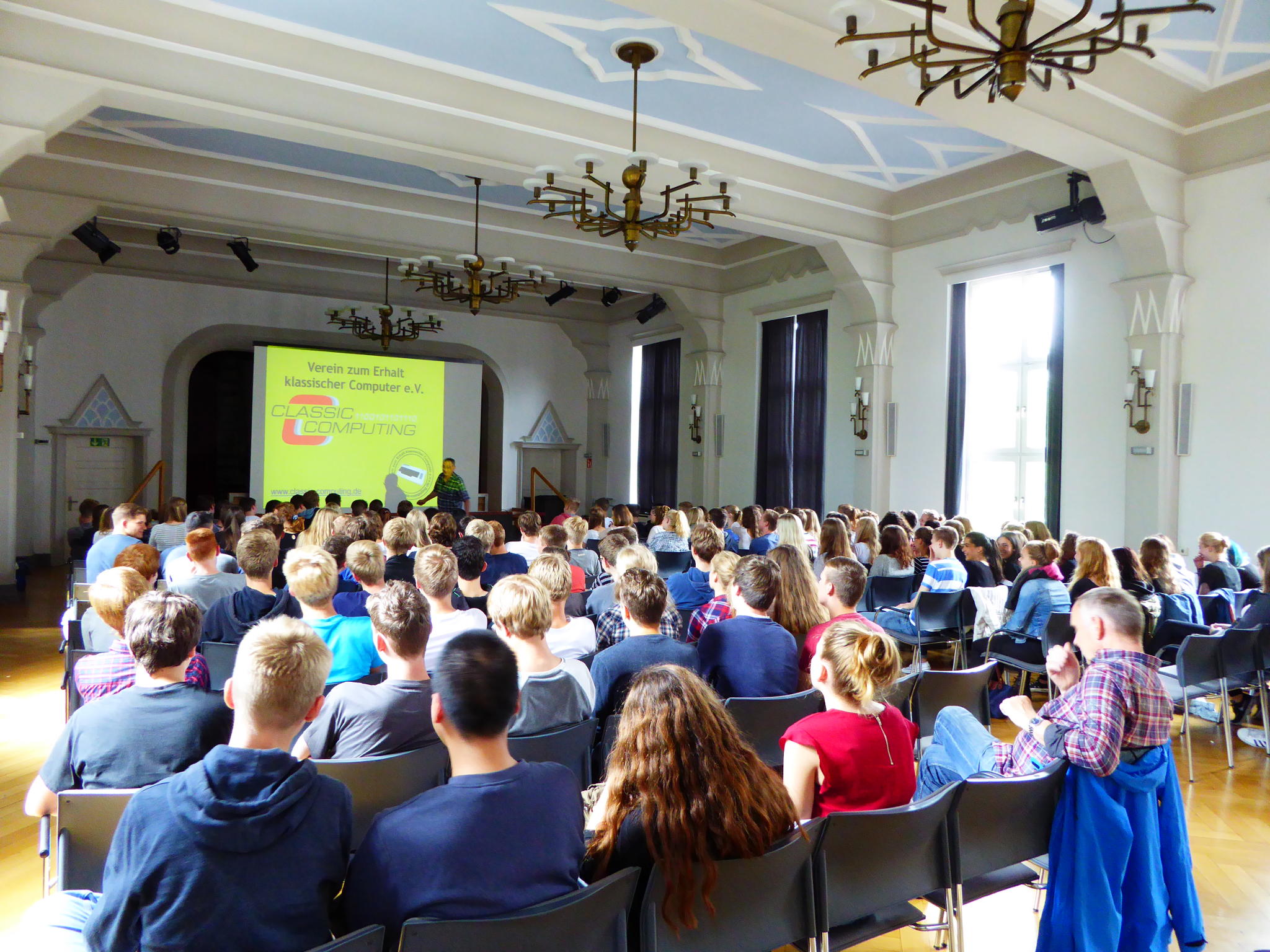
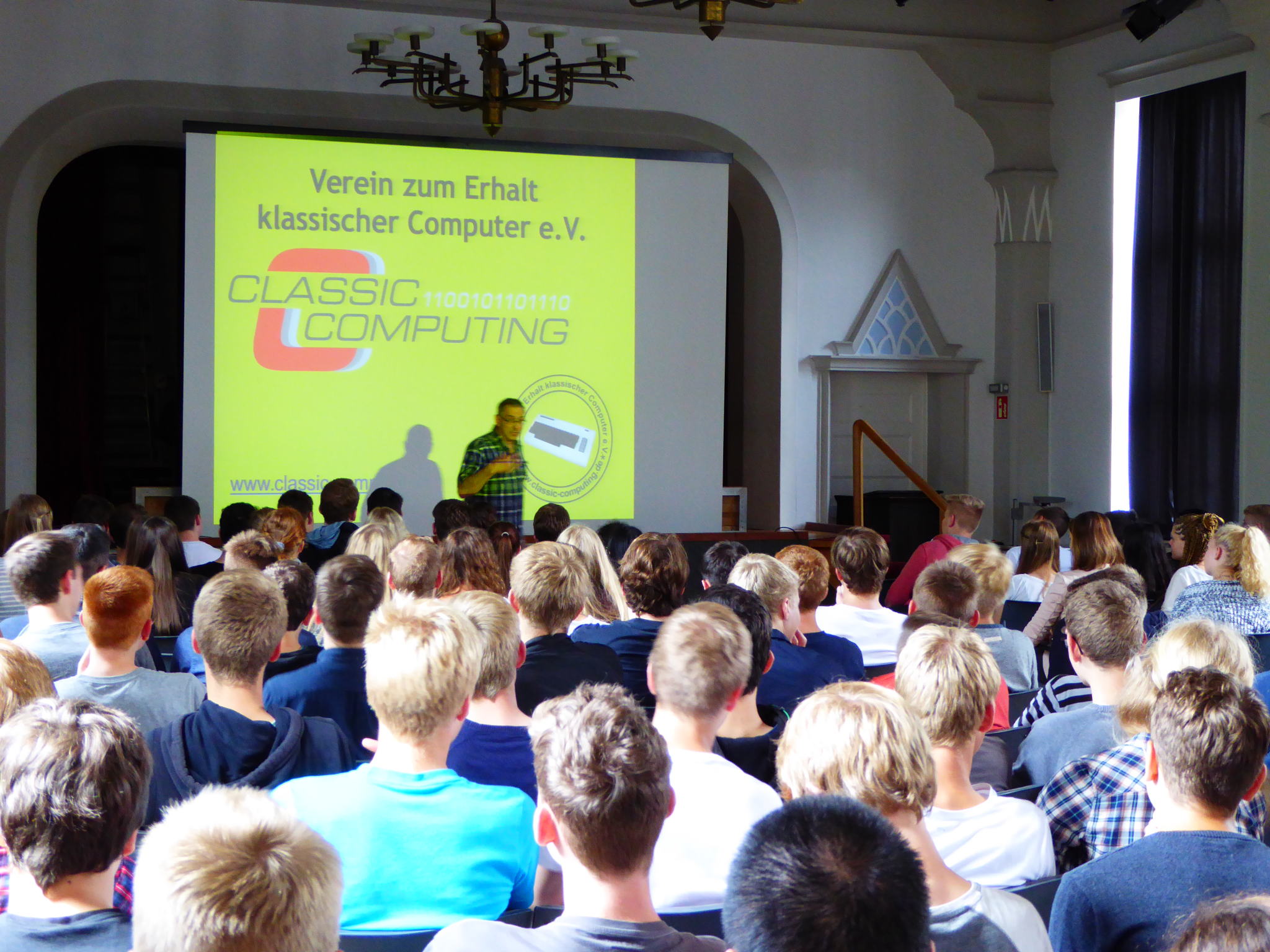
„In einem spannenden und sehr lebhaft vorgetragenen Vortrag gab Stefan Both am 14.07.15 in der Aula für die Schüler der Klassen 10 und den Informatikkurs in der Q12 einen Abriss der Geschichte der elektronischen Datenverarbeitung von der Lochkarte bis zum PC von heute. Dauerte die Auswertung der amerikanische Volkszählung früher mehrere Jahre, so genügten 1890 ein paar Monate – inzwischen hatte der Ingenieur Hollerith die Lochkarte erfunden, auf der Informationen durch gestanzte oder eben nicht gestanzte Löscher kodiert wurden und mit Hilfe dieser Lochkarten war erstmals eine Art automatisierter Datenverarbeitung möglich. Aus der Firma Holleriths ging IBM hervor, ein (Welt-)Konzern, der seine Großrechner wie Hollerith seine Lochkartenmaschinen, nicht verkaufte, sondern nur vermietete und heute ist jeder Desktop PC IBM kompatibel, aber IBM verkauft keine PCs mehr.
Wie es dazu kam, erzählte Both in einem anschaulichen Durchgang durch mehr als 50 Jahre Computergeschichte. Dabei traten Akteure auf, die heute kaum noch jemand kennt und die doch einmal den Weltmarkt beherrschten. Es war ein Kampf voller Innovationen und Intrigen, ein Kampf auch von Männern (und wenigen Frauen), die in Freundschaft verbunden, sich mit ihren jeweiligen Erfindungen zusammentaten und dabei System schufen, die dem späteren IBM-PC weit voraus waren. Aber auch von Männern, die andern zu schaden versuchten, wo es nur ging und in Kauf nahmen, dass gute Produkte untergingen, wenn mit ihnen nur ein verhasster Gegner von der Bildfläche verschwand. Was Both erzählte und in schnellen Bildern verdeutlichte, mutet wie ein dunkles Kapitel einer Art Evolutionsgeschichte an, in der nicht das beste, sondern das schlechteste System überlebte, weil seine Protagonisten (IBM und Bill Gates) zur rechten Zeit am rechten Ort waren, die richtigen Entscheidungen trafen und vor dem „Kopieren“ geistigen Eigentums nicht zurückschreckten.
Jedenfalls wurde deutlich, dass die heutige PC-Technologie zwei sehr verschiedenartige Wurzeln hat, die immer noch das Geschehen bestimmen: Datenverarbeitung (Hollerith) und Videospiele. Erst der PC als Spielgerät machte es zu einem massentauglichen Gerät.
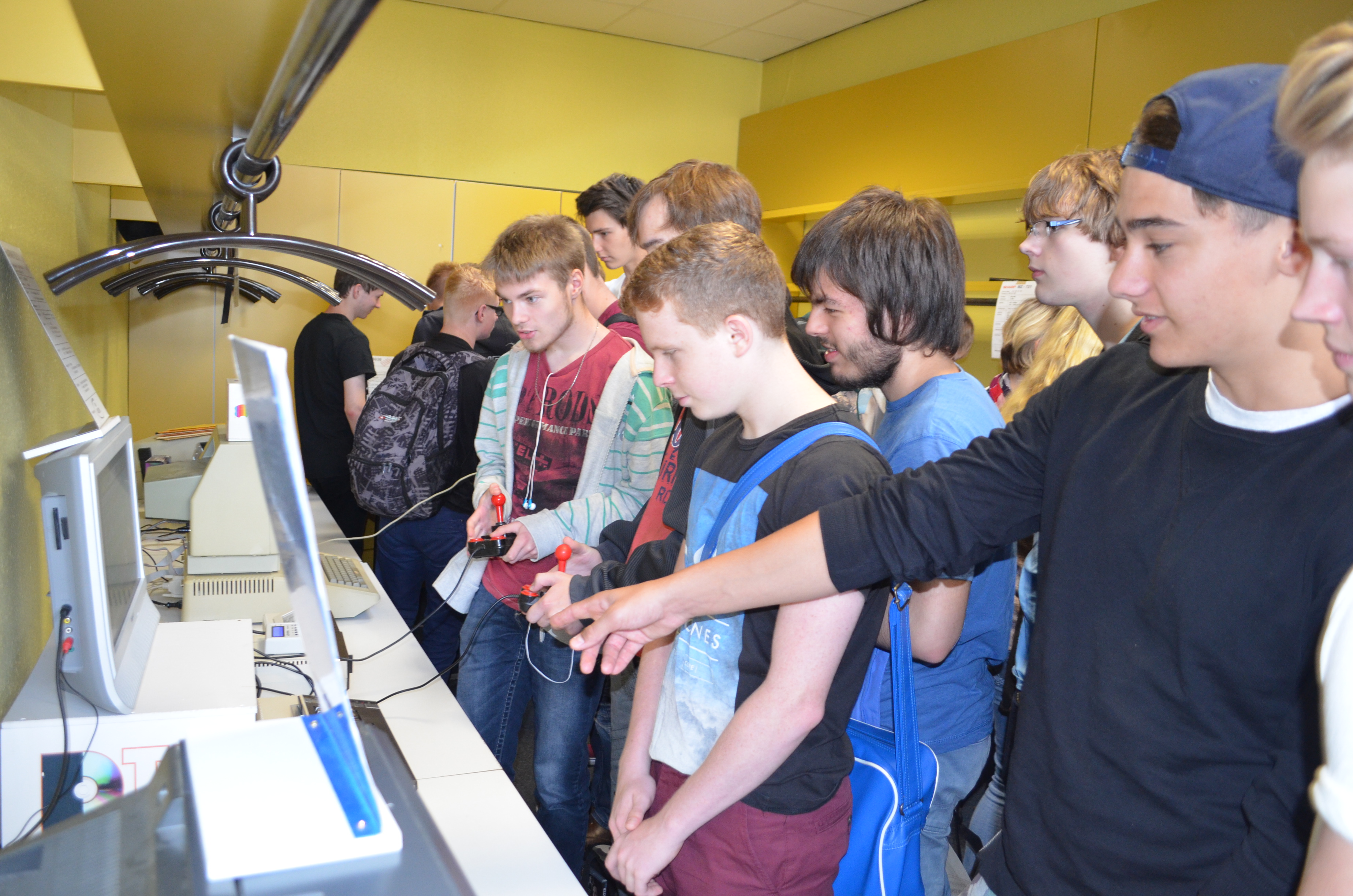
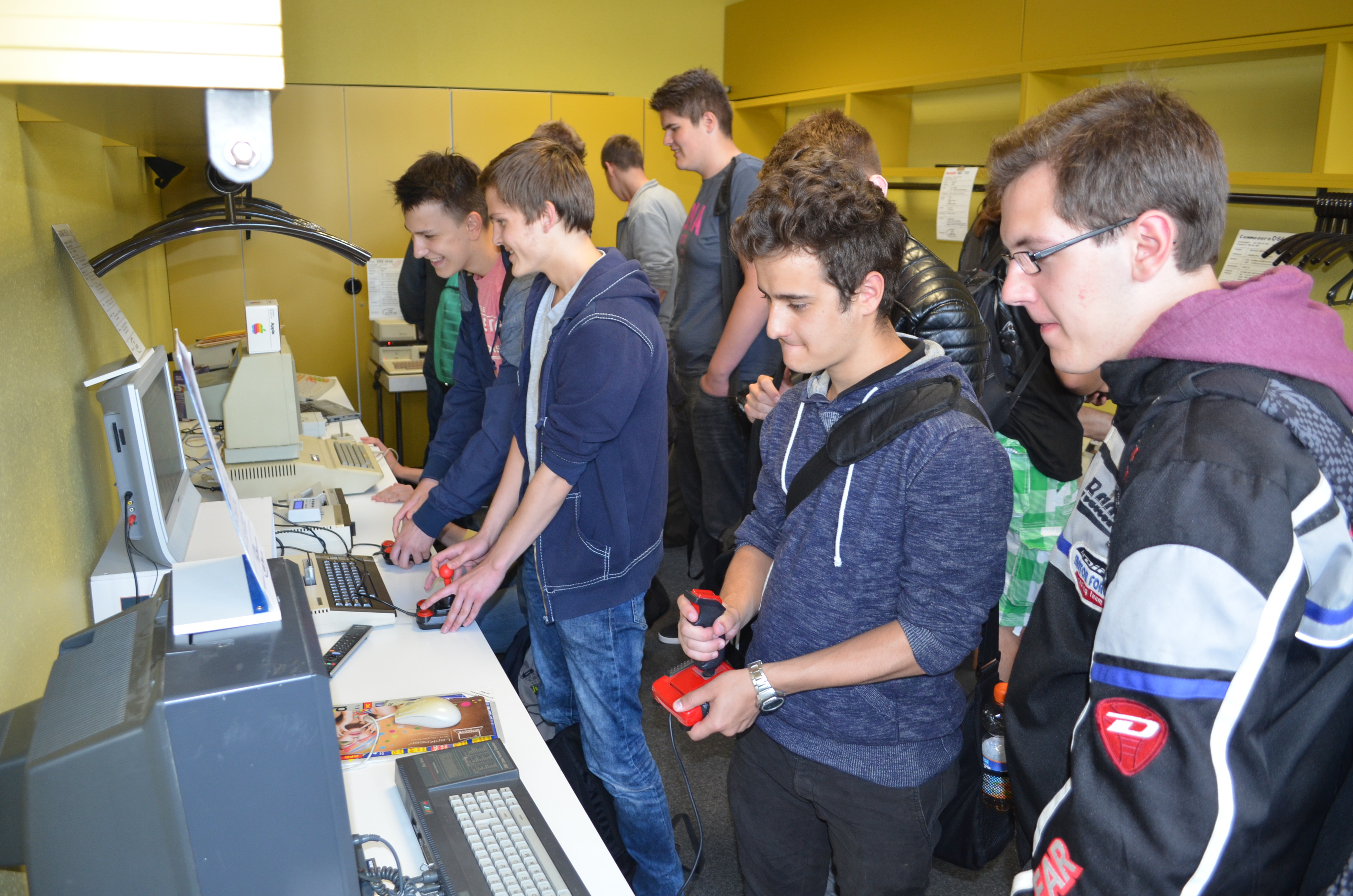
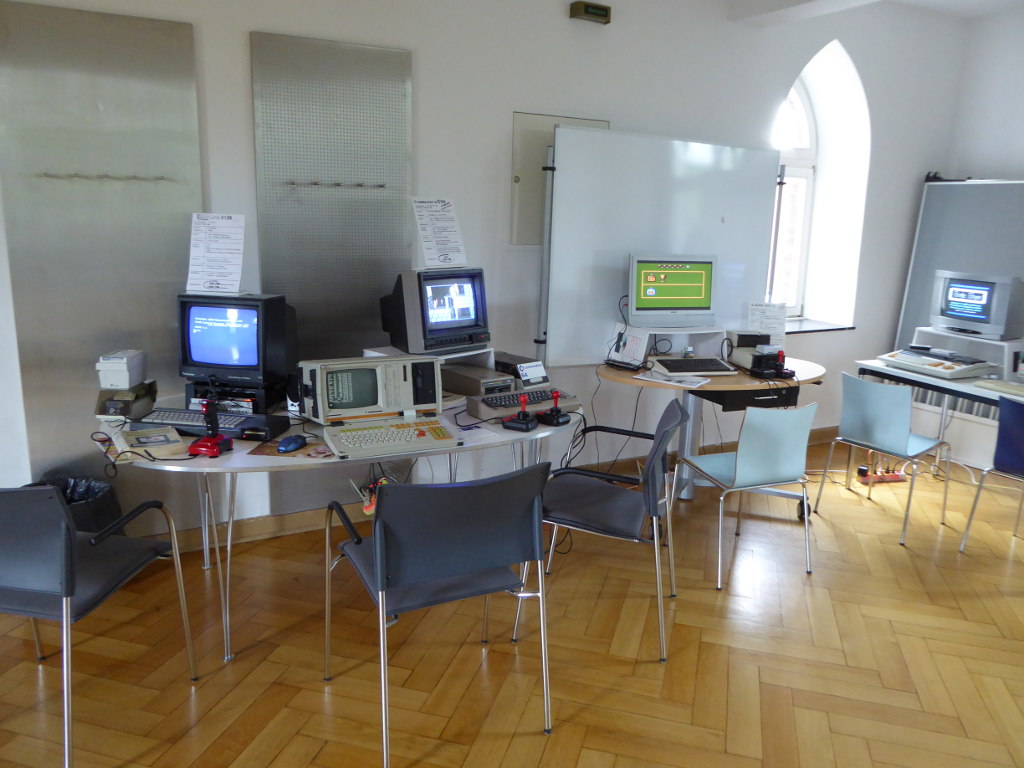
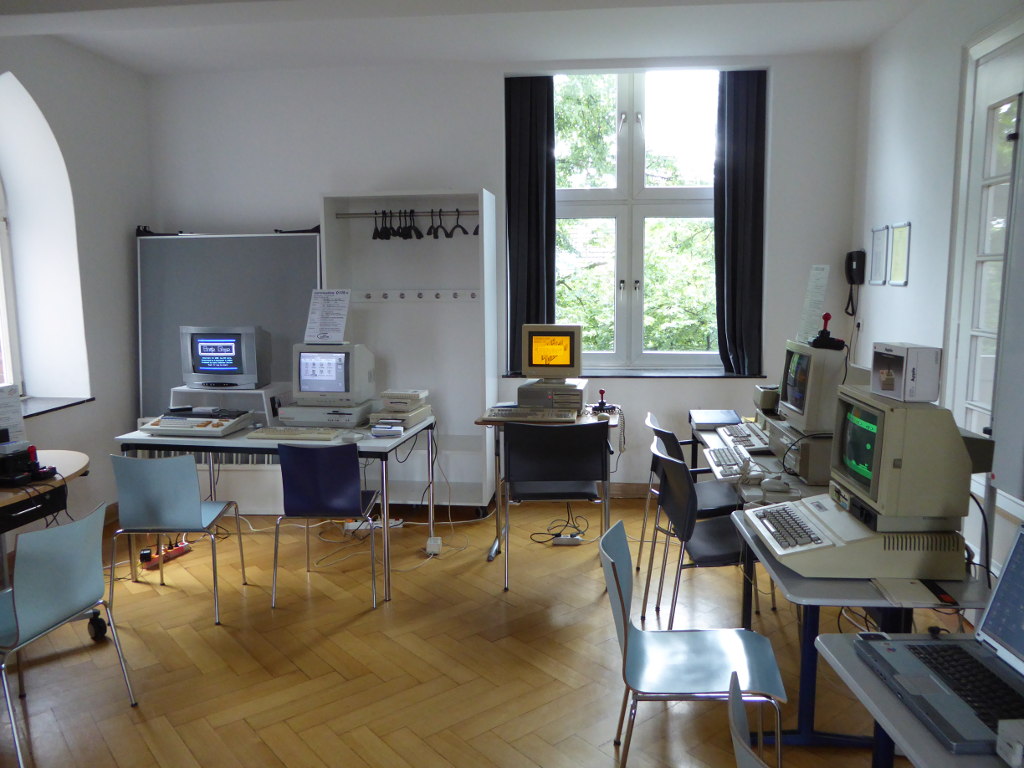
Einige System aus der Vorgeschichte dieses Zweiges der Entwicklung hatte Both im Voraum aufgebaut. Atatri, Amiga, Commodore und alte Apple-Geräte wirken mit ihrer groben Auflösung und den Diskettenaufwerken (5 ½ Zoll!) wie Fossile – und doch leben Sie noch und Spiele können immer noch auf ihnen gespielt werden. Dank Menschen wie Stefan Both, die sich nicht nur für die „Geschichte“ der Computertechnik interessieren, sondern auch für die Hardware in dieser Geschichte und die aus Liebe zu den alten Geräten, „die noch eine Seele hatten“ für ihr Überleben sorgen.
Es war ein spannender und kurzweiliger Vortrag, dessen reicher Inhalt hier nur in gröbsten Umrissen wiedergegeben werden konnte.“
(Georg Schöffel)
Die folgenden Bilder zeigen, wie gut die Vorträge aufgenommen wurden.
Das Waiblinger Usertreffen findet seit 2005 einmal jährlich statt, jeweils im Frühling des Jahres. Hier finden Sie Bilder der Treffen der vergangenen Jahre.
15 Fotos
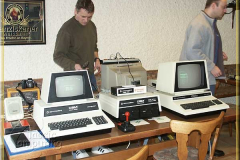
15 Fotos
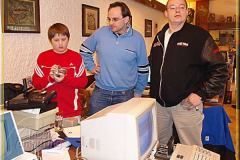
15 Fotos
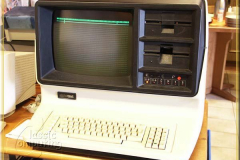
15 Fotos
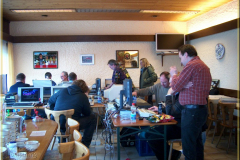
78 Fotos
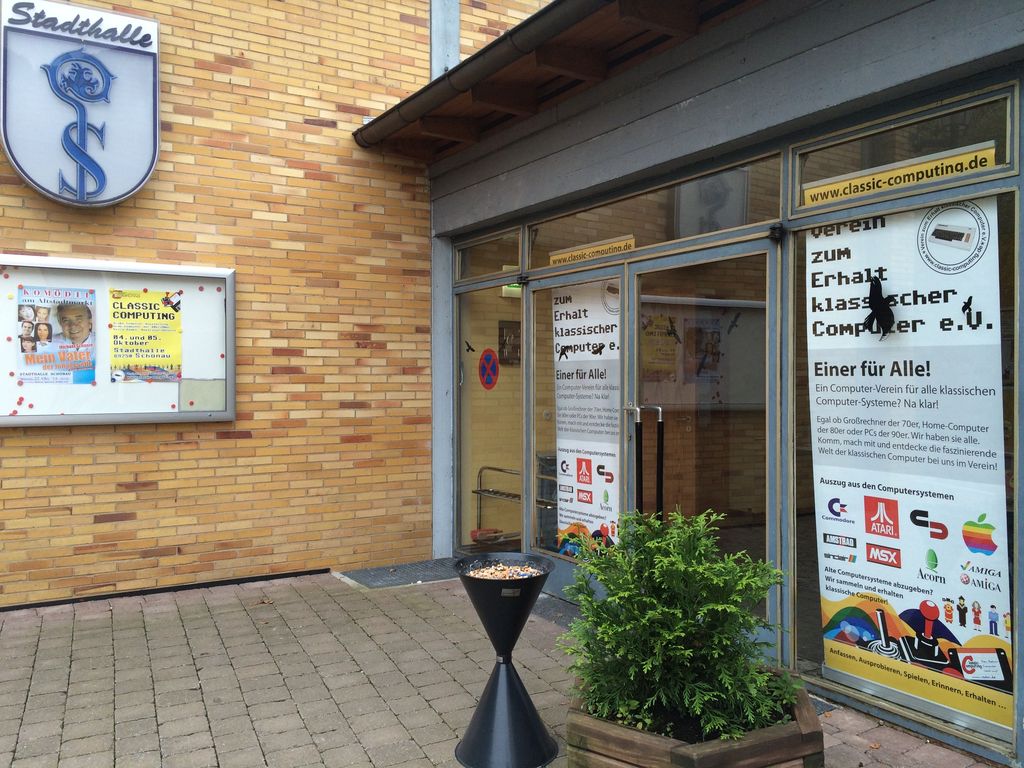
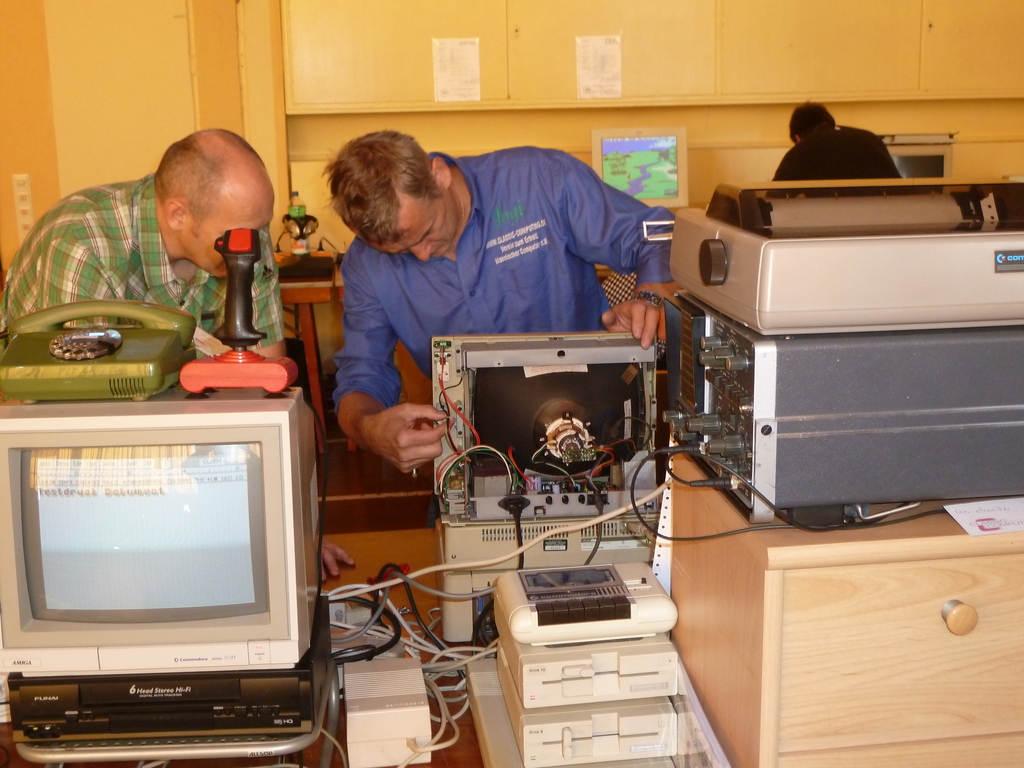
Die Classic Computing 2014 fand vom 04.10. – 05.10.2014 in Schönau im Odenwald statt.
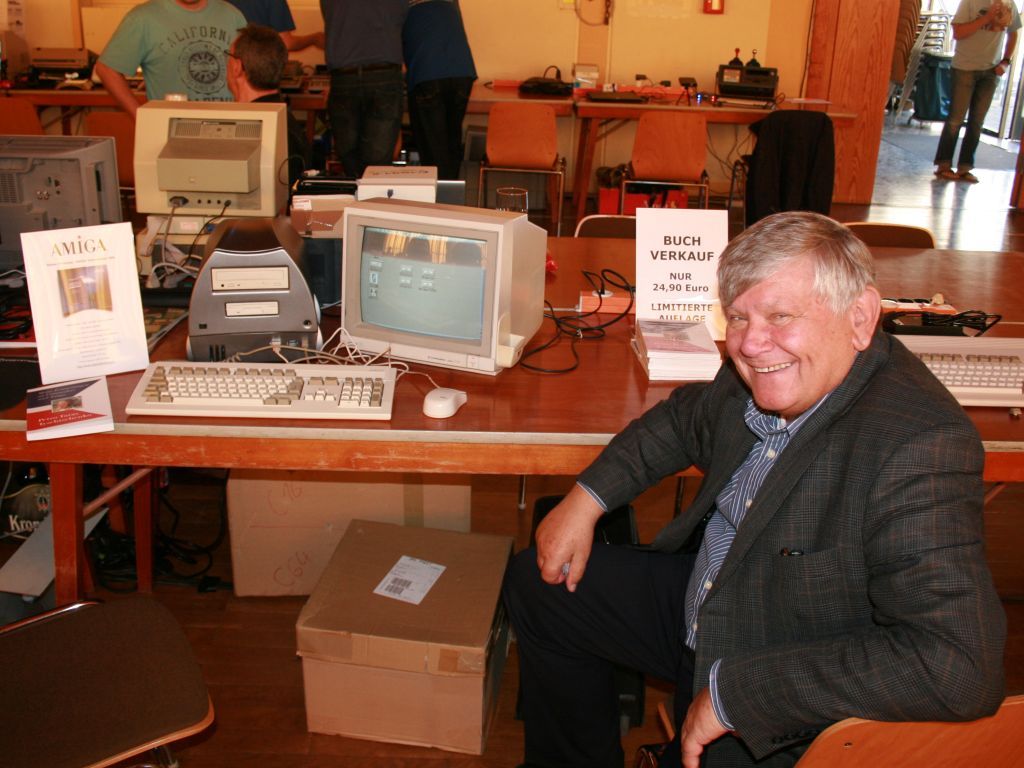
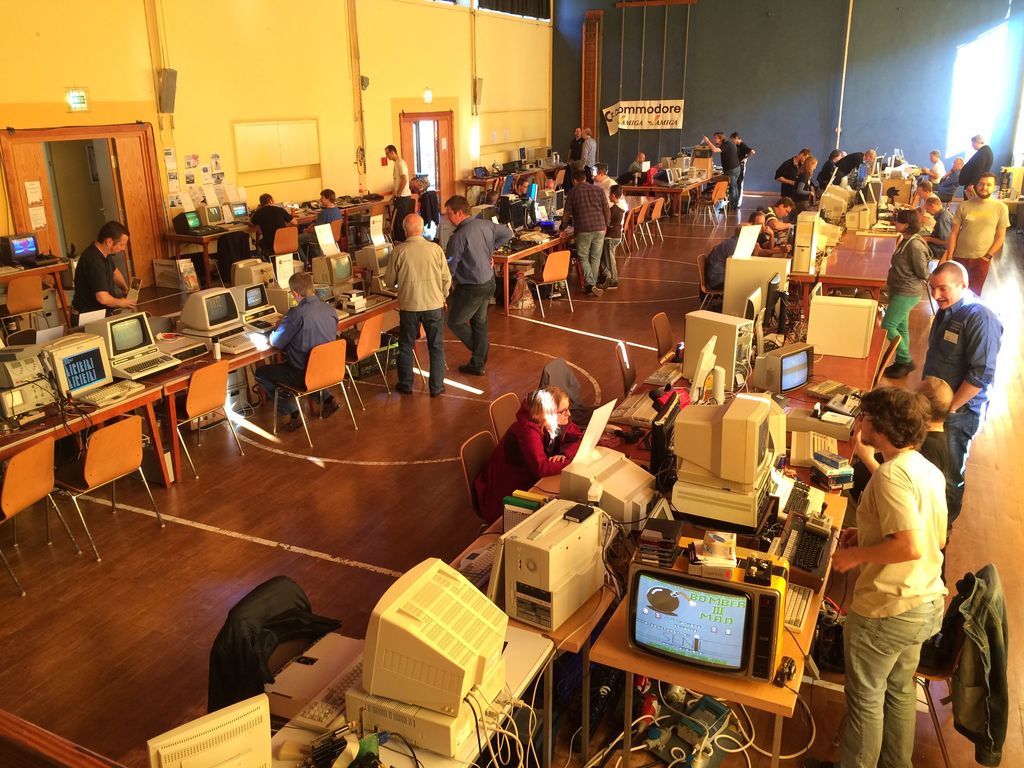
Eine der größten Ausstellungen von historischen Computern und Spielekonsolen in Deutschland eröffnete am 04. und 05. Oktober in der Stadthalle Schönau ihre Pforten. Auf rund 400 Quadratmetern konnten Videospiel- Systeme aus den 1970er, 1980er und 1990er Jahren genauso bewundert werden wie Home- und Personal Computer.
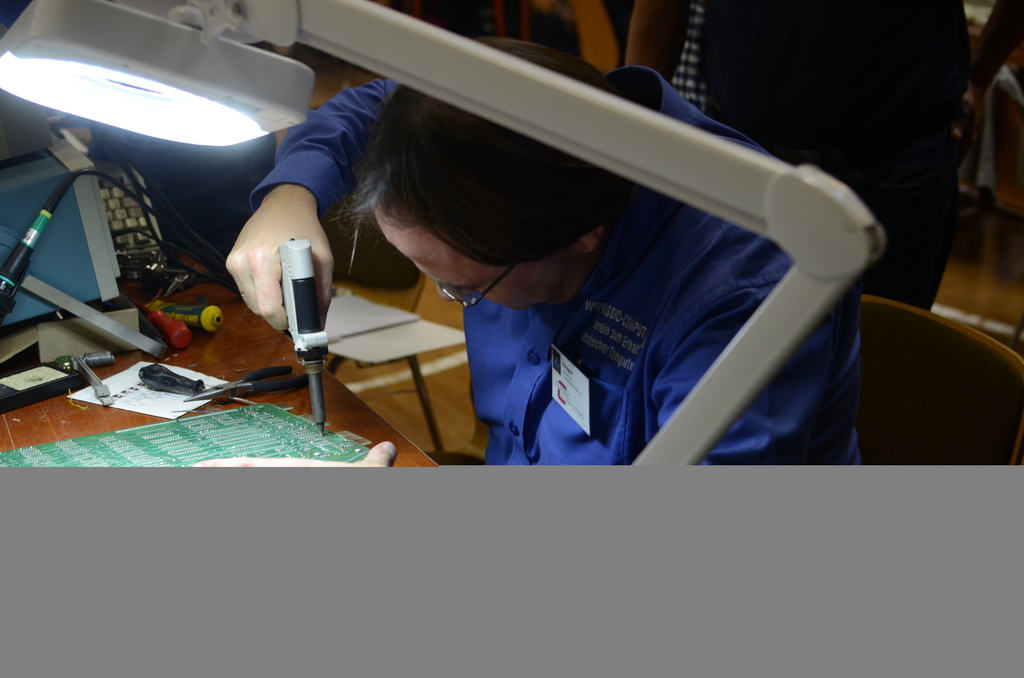
Neben Retrocomputer-Klassikern „zum Anfassen und Mitmachen“ wurde ein Rahmenprogramm mit Vorträgen und Demonstrationen angeboten. Im Mittelpunkt stand aber nicht nur der Spaß an klassischer Hardware von A wie Amiga bis Z wie Zilog Z-80. In erster Linie beschäftigt sich der VzEkC mit dem Erhalt, der Pflege und Konservierung klassischer Computer- und Videospielsysteme. Ein zusätzliches Angebot war daher ein Reparaturservice, bei dem defekte Retro-Hardware von technikversierten Vereinsmitgliedern wieder instand gesetzt wurden. „Wir wollen mit der Classic Computing ein breites Publikum ansprechen“, sagte der Vereinsvorsitzende Andreas Paul. „Ziel ist, einen gleichermaßen interessanten wie amüsanten Einblick in die Geschichte der heutigen Computertechnik zu präsentieren.“
Neben der Ausstellung konnten sich Besucher durch ein umfangreiches Vortragsprogramm über Themen zu klassischen Computern informieren:
Samstag
Auf Youtube.com liegen auch Videos von der Veranstaltung:
Propheus (18 min.)
Download:
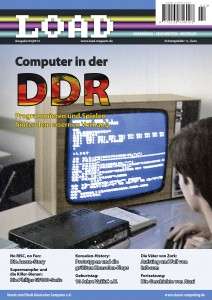
Druckausgabe
Die Ausgabe #2 ist fast vergriffen1
Es gibt noch einige Exemplare im Webshop von poly.play.
Auf Ars Technica findet sich ein ausführlicher Beitrag zur Geschichte der grafischen Benutzeroberfläche bis ins Jahr 2005:
https://arstechnica.com/features/2005/05/gui/
Der Autor hat diese als Studienmaterialien in einem PDF zusammengefasst.
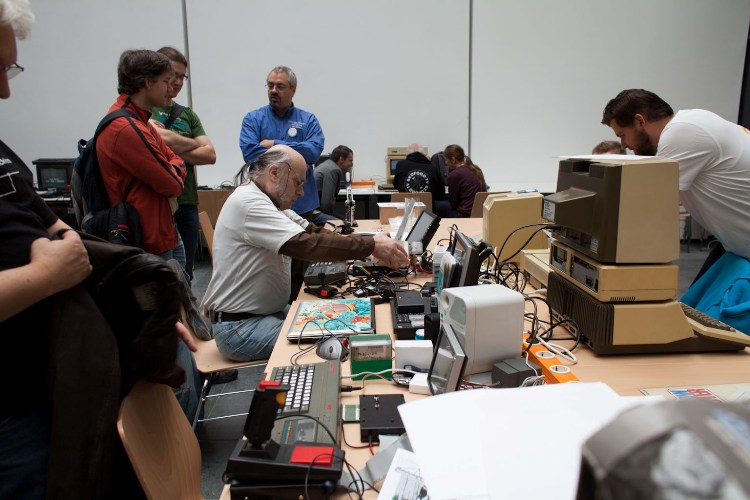
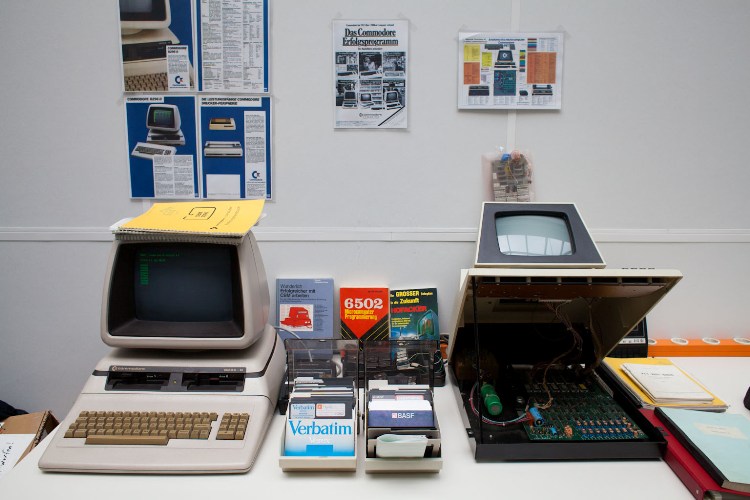
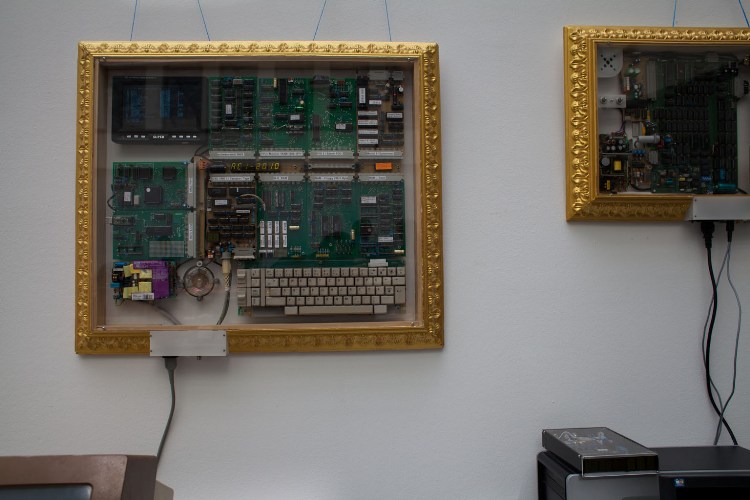
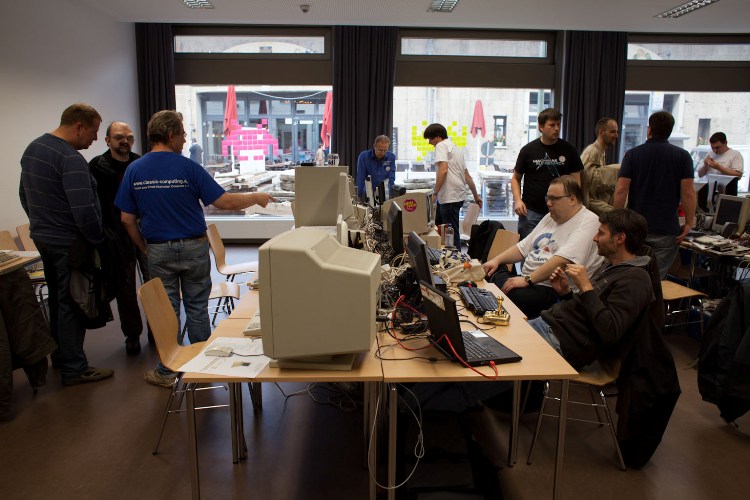
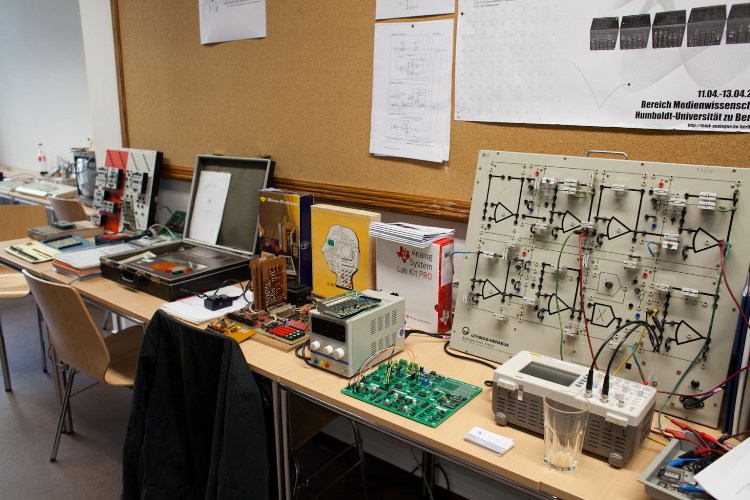
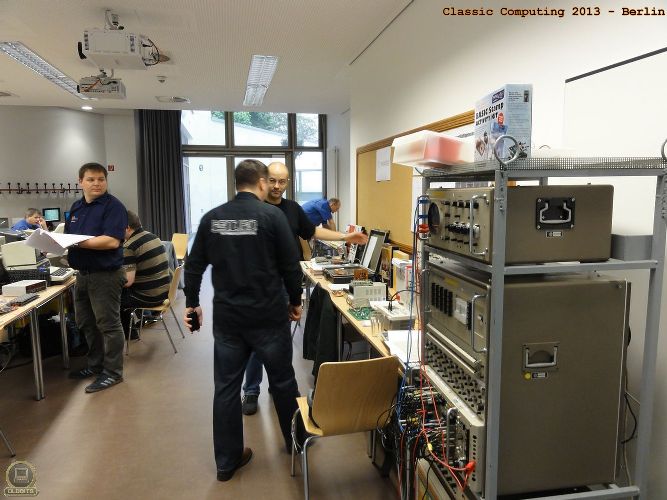
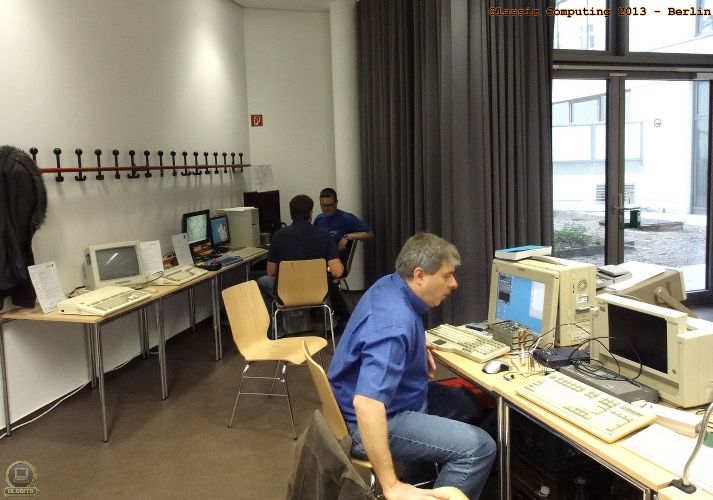
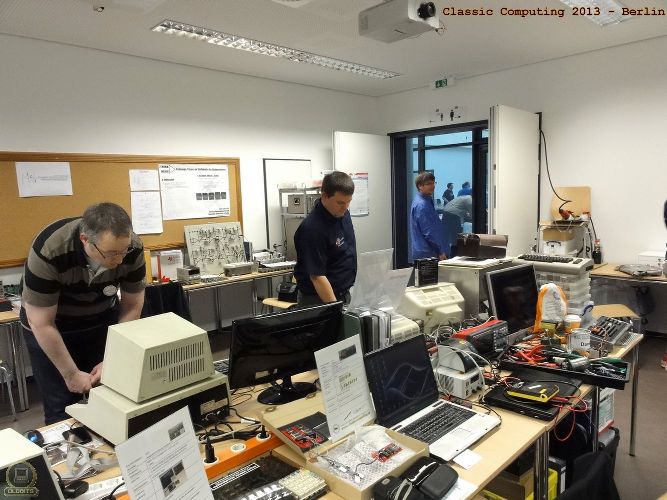
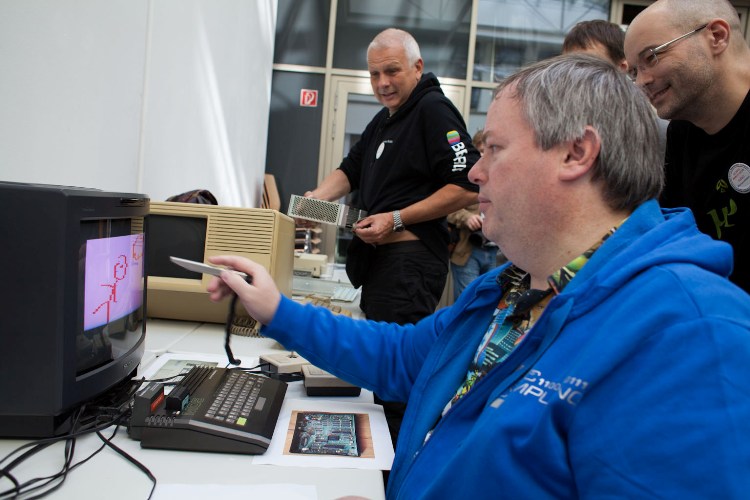
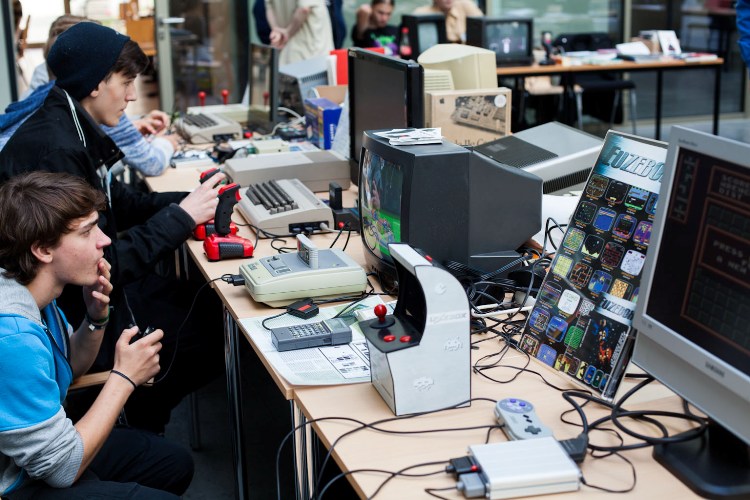
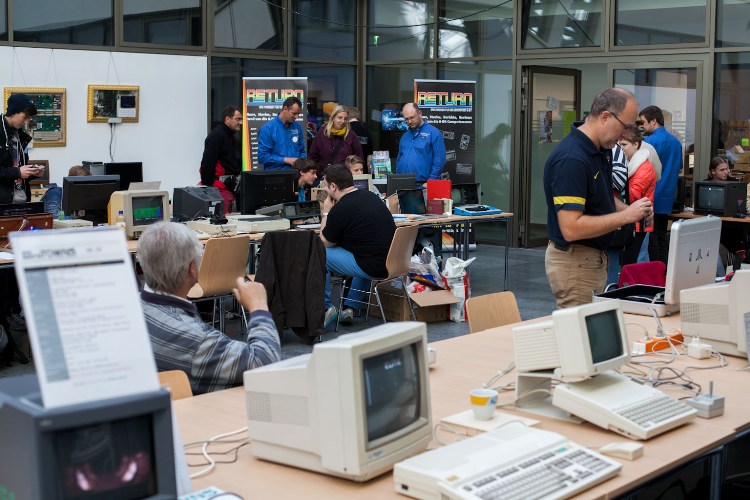
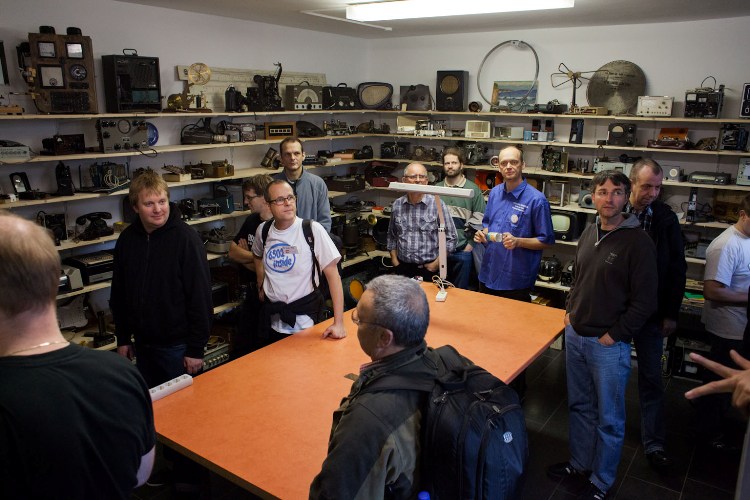
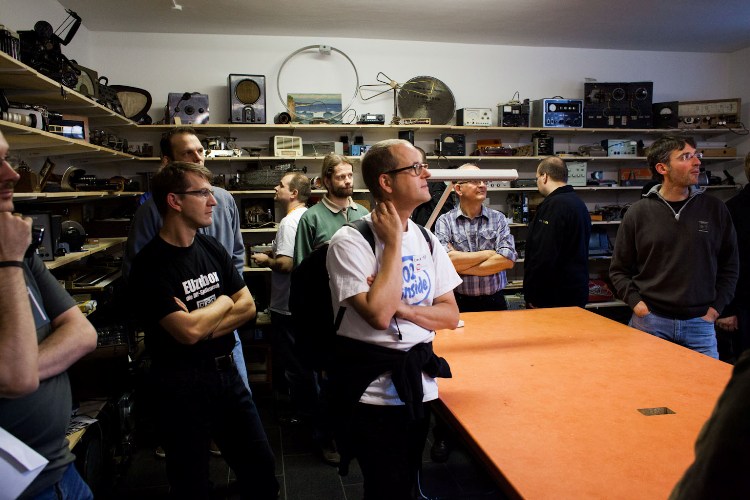
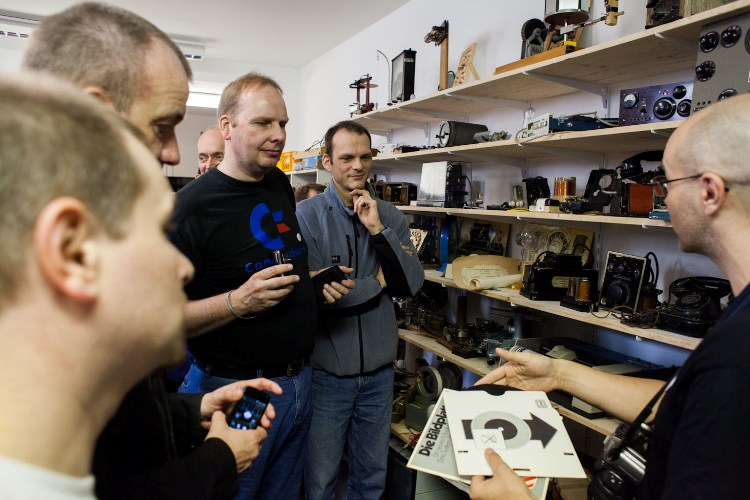
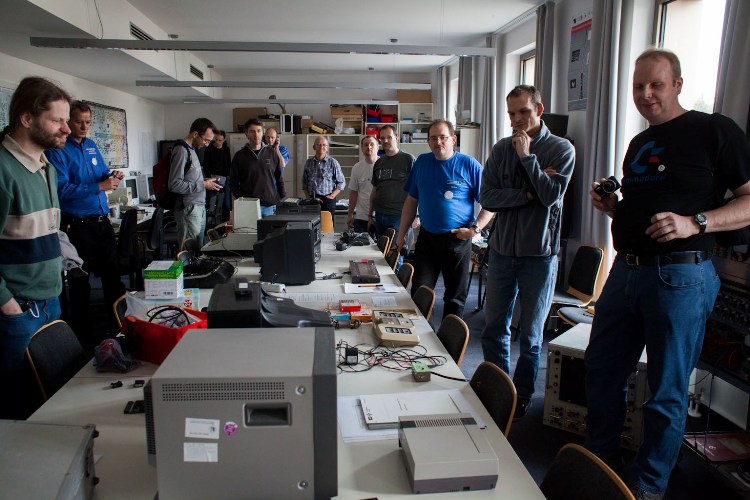
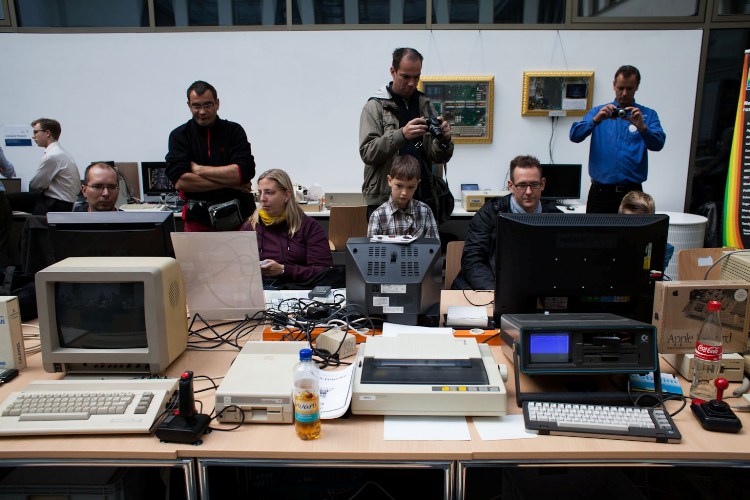
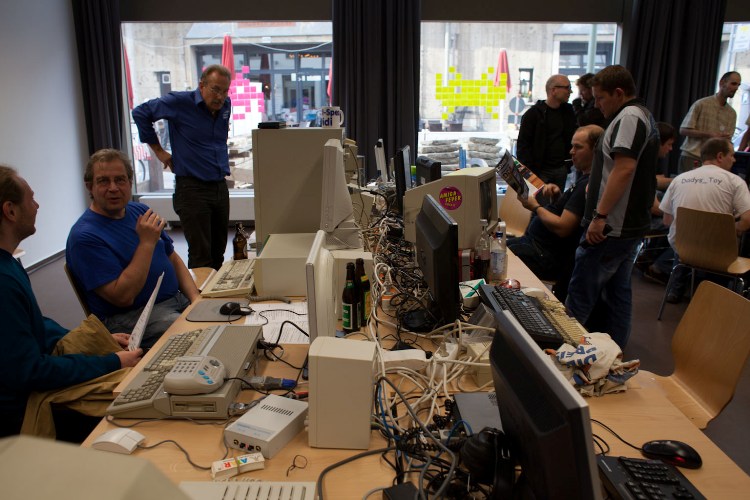
Die Classic Computing 2013 fand am 21. und 22. September im Pergamon-Palais in Berlin-Mitte statt. Möglich wurde der Veranstaltungsort durch eine Kooperation mit dem Fachgebiet Medienwissenschaft der Humboldt-Universität Berlin.
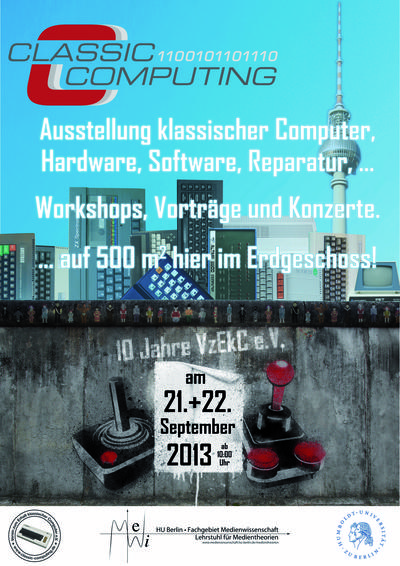
Auf mehr als 500 Quadratmetern konnten Minicomputer der 1960er Jahre genauso bewundert werden wie Homecomputer und Videospiel-Systeme aus den 1970er- und 1980er-Jahren. Neben Retrocomputer-Klassikern „zum Anfassen und Mitmachen“ wurde ein umfangreiches Rahmenprogramm mit Workshops, Vorträgen und Konzerten geboten.
Im Mittelpunkt stand aber nicht nur der Spaß an „Retro“ – also an der Rückbesinnung auf den Mode-, Musik-, Kunst- oder Technikstil des späten 20. Jahrhunderts. In erster Linie beschäftigt sich der VzEkC mit dem Erhalt, der Pflege und Konservierung
klassischer Computer- und Spielsysteme. Im Angebot war daher ein Reparaturservice, bei dem defekte Retro-Computer und
Peripherie von technikversierten Vereinsmitgliedern wieder instand gesetzt werden. Außerdem fand am Samstagabend eine Jubiläumsparty statt, auf der die Besucher drei Konzerte und Performances mit „Chip Tunes“-Musik, die mit alten Computern
live erzeugt wird, erleben können.
„Wir wollen mit der Classic Computing ein breites Publikum ansprechen und einen Einblick in die Historie der heutigen Computertechnik präsentieren. Gerade das Aufkommen der Heimcomputer in den frühen 1980er-Jahren brachte große Veränderungen im Umgang mit der Technik mit sich, da Computer erstmals für weite Teile der Bevölkerung erschwinglich wurden und zu Hause Einzug hielten.“, sagte der Vereinsvorsitzende Andreas Paul. Retrocomputing ist aber auch außerhalb privater Beschäftigung ein Thema geworden. Deshalb war man froh, den Fachbereich Medienwissenschaften als Gastgeber und Mit-Ausrichter gewonnen zu haben, wo man sich ebenfalls in Forschung und Lehre mit dem Computer als Medium und seiner Geschichte beschäftigt und wo ebenfalls
eine Sammlung klassischer Computer beheimatet ist. „Für uns bietet die Classic Computing eine sehr gute Möglichkeit, auf unser medienarchäologisches Forschungsprogramm aufmerksam zu machen, in welchem die Entwicklung der Rechentechnik und ihre Auswirkungen auf das Denken und die heutige Medienlandschaft zentral behandelt werden“, sagte Dr. Stefan Höltgen, der an der
Medienwissenschaft zum Retrocomputing forscht.
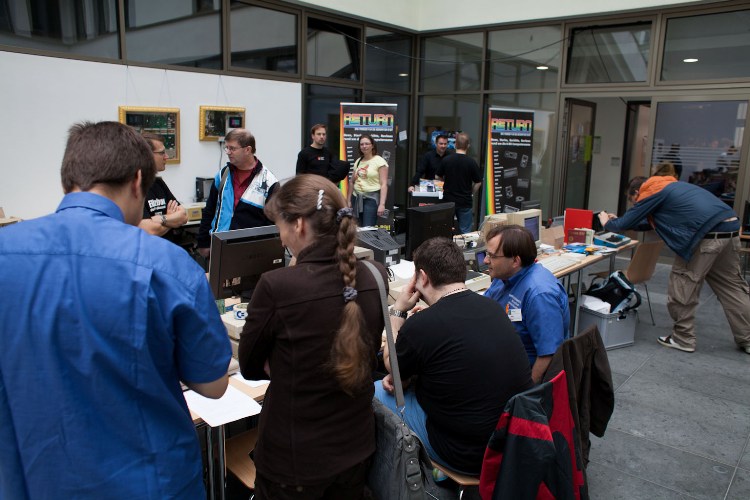
Es gibt auf Youtube.Com auch Videos von der Veranstaltung:
C64Doc (8:27 min)
The Project 64 etext for Commodore diagnostics, converted by The
Basic Bombardier. This etext was created by concatenating several
documents into one. Please see the header of the particular document
for original sources.
The Commodore Diagnostician, by Ian Perry.
Ray’s C-64 Problems Solved, by Ray Carlson.
Various usenet articles about 1541 repair.
C-DIAG10.TXT, June 1996, etext #45.
The Project 64 etext of The Commodore Diagnostician. Tables were
converted to list format.
THE COMMODORE DIAGNOSTICIAN
A symptomatic chart for diagnosing faulty IC
components on Commodore Computers and peripherals
By: IAN PERRY, MA
   PO Box 48
   Kyneton
   Victoria 3444
   Australia
COMMODORE C-64 Reference Aid #4
SYMPTOMS & POSSIBLE SOLUTION
on and off. 6510, 6567
PLA, ROM 227
6510, ROM 226
ROM 226
not run. 6510
graphics. 6510
6510
to home position. ROM 226
PLA, ROM 225
6526
and VR2 regulator.
and 6567 chip.
external power supply and VR2 regulator.
U21-U24. [ May be Hot! ]
unit locks up. Possible power supply problem.
Note-PLA chip is an 82S100, ROM chips are 901226-01 (Basic),
901227-01 (Kernal), 901225-01 (Character)
COMMODORE 1541/1571 FLOPPY DRIVE
SYMPTOMS & POSSIBLE SOLUTION
Flashes: UC7 ]
90122905
wall outlet correctly? Is Power cord plugged into disk drive
correctly? Check line fuse and power switch. Check +5/12 volt
lines.
VR2. Check Power Transformer. [ Hint: No Reg. +5V ]
stepper motor.
w/alcohol. Check 0 stop adjustment. Check alignment. [ Check for
sticky slide rails. 1571: Check head lifter release mech. ]
drives)]
901229-05.
test diskette. Check Drive Motor.
stop adjust.
Check read/write head.
Check stepper motor.
bad diskette.
C-64 CHIP LAYOUT
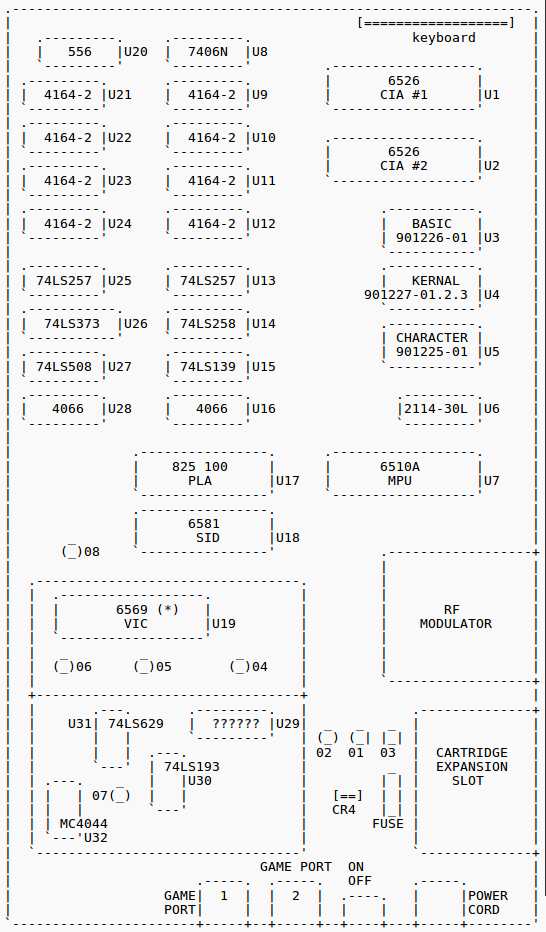
(*) U.S. version of the 6569 [ PAL ] is 6567 [ NTSC ].
HINTS:
1) Over 50% of faulty computers are caused by the external power
supply delivering excessive voltages.
2) Check power supply to see if your unit has a fuse which could be
changed.
3) Check all interconnecting cables.
Replacement Chips (IC’s) can be obtained reasonably from:
Europe --
HRS Electronics Ltd.
Birmingham, England
Tel. # (02)17712525
USA --
(Commodore) National Repair Ctn.
Toll Free 800-248-2983
(800-BIT BYTE)
Asia --
Saysun Electronics Ltd.
Hong Kong
Tel.# (05)767757
Disclaimer: I hereby disclaim any responsibility for the accuracy of
the information on this chart and disclaim all liability for the use
thereof. This chart is supplied as an adjunct to Commodore computer
users. It is intended for assistance in isolating a faulty chip and
is to be used by persons experienced in the repair of computers and
computer related devices.
Printed in Australia – 1986. No path of the Commodore Diagnostician
may be reproduced nor copied for any purpose without the author’s
approval. (c) Copyright.
End of the Project 64 etext of The Commodore Diagnostician.
The Project 64 etext of the Ray’s C-64 Problems Solved. By Ray
Carlson, CARLSEN ELECTRONICS, <rrcc@u.washington.edu>.
Hier liegen zwei Dokumente für den Service eines Commodore C64:
The goal of Project 64 is to preserve Commodore 64 related documents
in electronic text format that might otherwise cease to exist with the
rapid advancement of computer technology and declining interest in 8-
bit computers on the part of the general population. If you would like
to help by converting C64 related hardcopy documents to electronic
texts please contact the manager of Project 64, Cris Berneburg, at
<74171.2136@compuserve.com>.
Extensive efforts were made to preserve the contents of the original
document. However, certain portions, such as diagrams, program
listings, and indexes may have been either altered or sacrificed due
to the limitations of plain vanilla text. Diagrams may have been
eliminated where ASCII-art was not feasible. Program listings may be
missing display codes where substitutions were not possible. Tables
of contents and indexes may have been changed from page number
references to section number references. Please accept our apologies
for these limitations, alterations, and possible omissions.
Document names are limited to the 8.3 file convention of DOS. The
first characters of the file name are an abbreviation of the original
document name. The version number of the etext follows next. After
that a letter may appear to indicate the particular source of the
document. Finally, the document is given a .TXT extension.
The author(s) of the original document and members of Project 64 make
no representations about the accuracy or suitability of this material
for any purpose. This etext is provided „as-is“. Please refer to the
warantee of the original document, if any, that may included in this
etext. No other warantees, express or implied, are made to you as to
the etext or any medium it may be on. Neither the author(s) nor the
members of Project 64 will assume liability for damages either from
the direct or indirect use of this etext or from the distribution of
or modification to this etext.
disappear (blank „page“)
RAM IC (hot)
goes to garbage
present“ error
U2 in 64C. Was 8521RO, I subbed 6526A, works OK (Old IC got hot, too)
opening screen
sound
key repeats if held down, „flashing“ cursor
End of the Project 64 etext of the Ray’s C-64 Problems Solved.
Various usenet articles about 1541 repair.
Newsgroups: comp.sys.cbm
Subject: Re: 1541 Repair
From: Raymond Carlsen <rrcc@u.washington.edu>
Date: Tue, 4 Jun 1996 17:35:56 -0700
> I have a 1541 that just spins forever when turned on. Both LED’s
> are on. Anyone have any pointers to repair info on this model?
Steve,
That usually points to a bad DOS ROM chip. It's CBM # 901229-03
(old drives) or -05. A bad 6522 is also a possibility.
Ray Carlsen
CARLSEN ELECTRONICS… A leader in trailing-edge technology.
Newsgroups: comp.sys.cbm
Subject: Re: 1541 Repair
From: Brian Heyboer <bjheyboer@space.honeywell.com>
Date: Wed, 05 Jun 1996 12:08:15 -0400
Steven J Tucker (dh395@cleveland.Freenet.Edu) wrote:
> I have a 1541 that just spins forever when turned on. Both LED’s
> are on. Anyone have any pointers to repair info on this model?
There are several things that can cause this, but the most common is a
bad 901229-05 ROM. The 6502, 6522, RAM, and a couple of the TTL chips
in the reset circuit can also cause it, pretty much in that order of
likelyhood, assuming it just „went bad“ and didn’t fail because of
something you did to it.
Newsgroups: comp.sys.cbm
Date: Wed, 5 Jun 1996 06:54:24 -0700 (PDT)
From: Raymond Carlsen <rrcc@u.washington.edu>
To: Cris Berneburg <74171.2136@compuserve.com>
Subject: Re: 1541 help!
> Well, I’ve done it again. I bought another 1541 drive that doesn’t
> work. The guy told me it was „out of alignment“. Needless to say, that
> was an understatement. So, I need some help trying to fix it.
>
> Here are the symptoms. When I power it on, the red and green LED’s
> both flicker on for about 1/4 of a second, then stay off. The drive
> motor spins constantly when powered on, and will not respond to
> commands. Do you why that is?
The power supply is probably failing. Note that the power indicator is
going out under load. Since the +12 volts runs the motors, try the +5v
line… bet you’ll find a bad bridge rectifier or flaky regulator.
Ray Carlsen
CARLSEN ELECTRONICS… A leader in trailing-edge technology.
From: <judd@merle.acns.nwu.edu>
Date: Wed, 5 Jun 1996 09:27:35 -0500
To: 74171.2136@compuserve.com
Subject: Re: 1541 help!
Newsgroups: comp.sys.cbm
Organization: Northwestern University, Evanston IL
In article <4p3vbp$s7i@dub-news-svc-4.compuserve.com> you write:
>Well, I’ve done it again. I bought another 1541 drive that doesn’t
>work. The guy told me it was „out of alignment“. Needless to say, that
>was an understatement. So, I need some help trying to fix it.
>
>Here are the symptoms. When I power it on, the red and green LED’s
>both flicker on for about 1/4 of a second, then stay off. The drive
>motor spins constantly when powered on, and will not respond to
>commands. Do you why that is?
>
>Here’s what I’ve tried to find out where the problem is. I swapped the
>main processor board with a working drive, and it seemed to power up
>OK. So I put the original, faulty board back in and tried swapping out
>chips. I replaced the 901229-05, 6502, both 6522’s, and the tiny
>EL7407-0284 chip with no posititve effect. No other chips in this
>drive have the chip sockets for easy replacement.
>
>901229-05 6502
> 6522 EL407-0284
> 6522
>
>If you know what the problem is or have some suggestions on what I
>could do to diagnose it, PLEASE! Thanks.
>
>——-
>Cris „PC-Geek“ Berneburg <74171.2136@compuserve.com>
>The Basic Bombardier, Manager of Project 64
>http://ourworld.compuserve.com/homepages/pcgeek/
>PGP public key A1CE4355 available on keyservers
>
The LED flicker tells you immediately that there is a problem with
the power — they aren’t connected to anything else. Most likely
you have a blown rectifier. There are two of them, at the back
of the drive, and they look like this:
	  _____
	 /    |
	/     |
	|     |
	-------
	| | | |
That is, a notched square with four pins coming out of the bottom.
After you power up the drive, at least one of them (the smaller one)
will probably be hotter than blazes.
The fix: go to Radio Shack and buy a new, heftier one for $1 or so,
and solder it in. These are full-wave rectifiers of course.
-Steve

Alle Grafiken, Bilder, Texte und Dokumentationen dieser Webseiten unterliegen dem Copyright des/der jeweiligen Autoren
und wurden (sofern nicht anders angegeben) unter der Creative Common License CC BY-NC-SA 3.0
(Namensnennung-Nicht-kommerziell-Weitergabeunter gleichen Bedingungen 3.0 Deutschland ) veröffentlicht.
Der VzEkC e.V. übernimmt keinerlei Haftung und ist nicht verantwortlich für den Inhalt von gelinkten Seiten.